April 1, 2015
Table of contents
Client Credits
It is now possible to apply a credit to a Client’s account and redeem it at a later point.
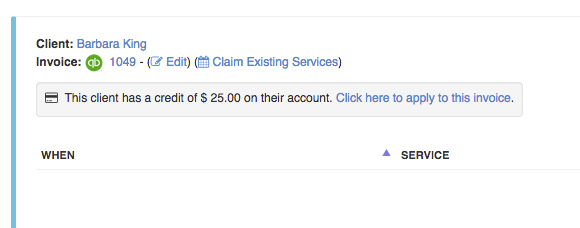
And redeem Client Credit against Invoice:
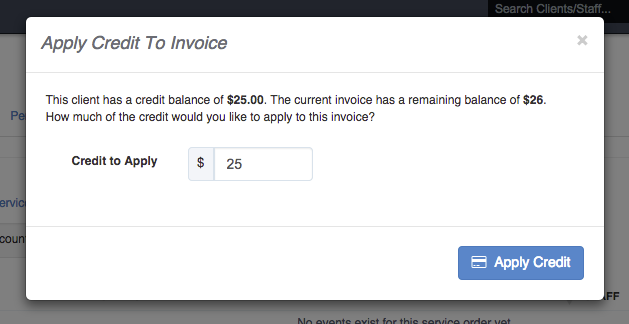
For more information please visit our knowledge base article: Applying And Redeeming Client Credit
Schedule Configuration
We have added more options to your Scheduler Configuration. These updates are meant to provide protection against accidental calendar actions.
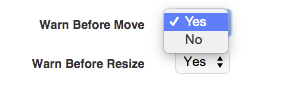
You can configure a validation prompt on moving (via drag-n-drop) and resizing (via click and drag) to require confirmation before actually performing any updates on an event.
Service Cancellation Charges
We have added more detailed and default options for handling cancelled services and how they are charged to the Client.
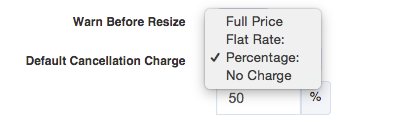
In your Scheduler Configuration you can now configure the default charge to apply to cancelled services:
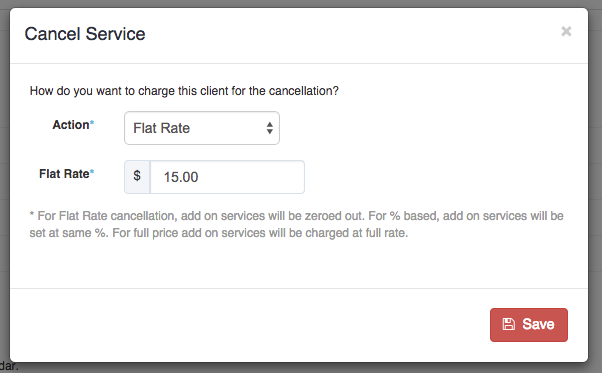
When you cancel a service, you will have the opportunity to override the default charge:
Scheduling Services As Part Of Existing Invoice
You have always been able to add new services to an existing invoice but we are making it even easier and more clear.
Now when you schedule new services directly from the Scheduler we will check if the Client has any open invoices. If one or more open invoices are found we will present you with a choice to schedule into one of the existing or a new invoice:
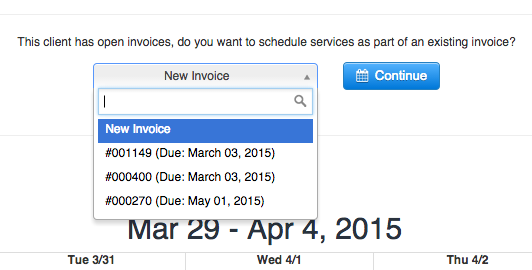
Select Existing or New Invoice For Scheduling Services.
New Preset Key Location
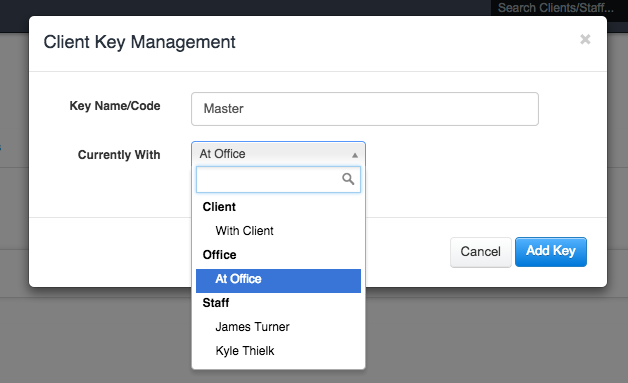
We have added a new preset location for Client Keys, “At Office”: