
May 11, 2017
Table of contents
If your company does a lot of group walks or schedules multiple visits at the same time --- you've probably seen the "Conflict" warning before. Now instead of simply ignoring that warning, you can disable the conflict notification entirely!
The Conflict Notification can be seen on an edit event screen when multiple events are scheduled at the same time for one of your staff members.
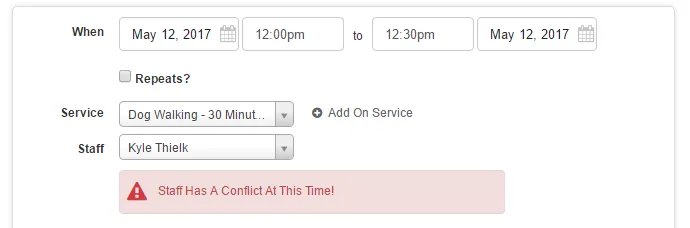
You can disable this warning right from the Scheduler Settings section of Time To Pet. Just look for the Overbooked Conflict Detection option.

After saving your changes --- you will no longer see the Conflict Notification on the Scheduler screen!