June 22, 2018
Friday Feature Focus - Random Key Codes


This week - we will be looking at Random Key Codes in our Friday Feature Focus series. When creating a new key for a customer (which you can do in the “Keys” tab on the client’s profile) - you’ll notice that you can assign a key name or key code to it or you have the option of generating a random code.
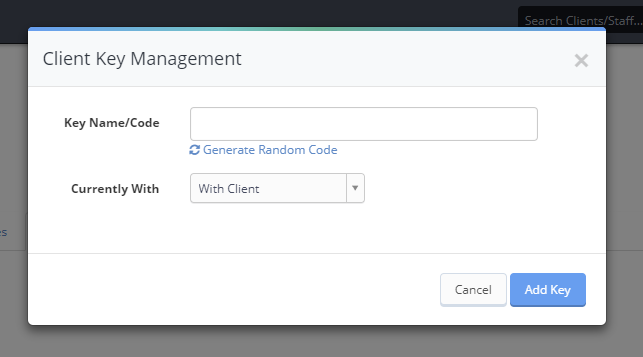
When you click the “Generate Random Code” button, Time To Pet will allow you to set the parameters for your code. You can specify the length of the code and also what type of characters are used (either numbers only or letters and numbers).
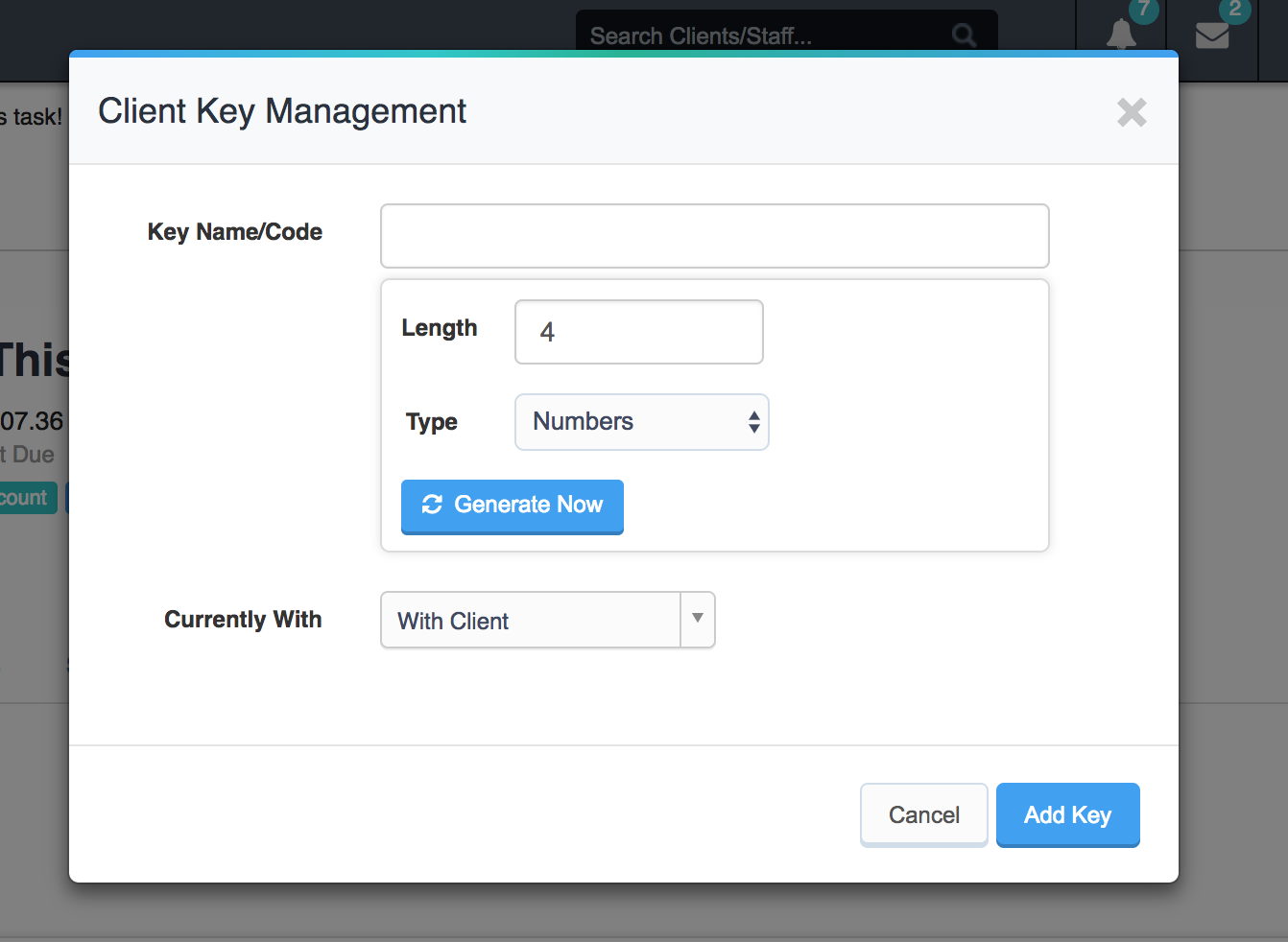
Just click the “Generate Now” button to create your random code!
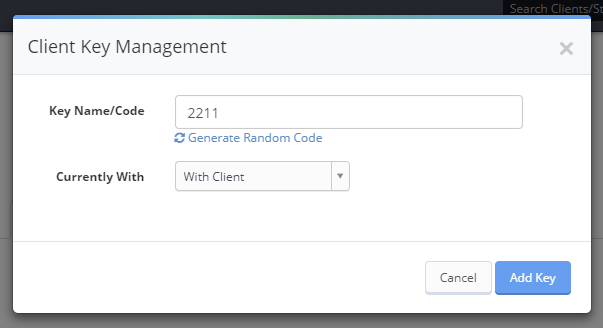
A common question we hear is “What if the random code is the same as an existing code?” It’s a great question but we’ve actually planned for this! When generating a new random code, we do a search to make sure there is no key that currently has the same code.
Generating random key codes helps to make key management more secure. Instead of a simple method of coding keys (like 001, 002, 003) - you can randomize the codes and help alleviate some of your client’s concerns.
All-in-one pet care software trusted by 5,000+ businesses worldwide.