
September 2, 2016
Table of contents
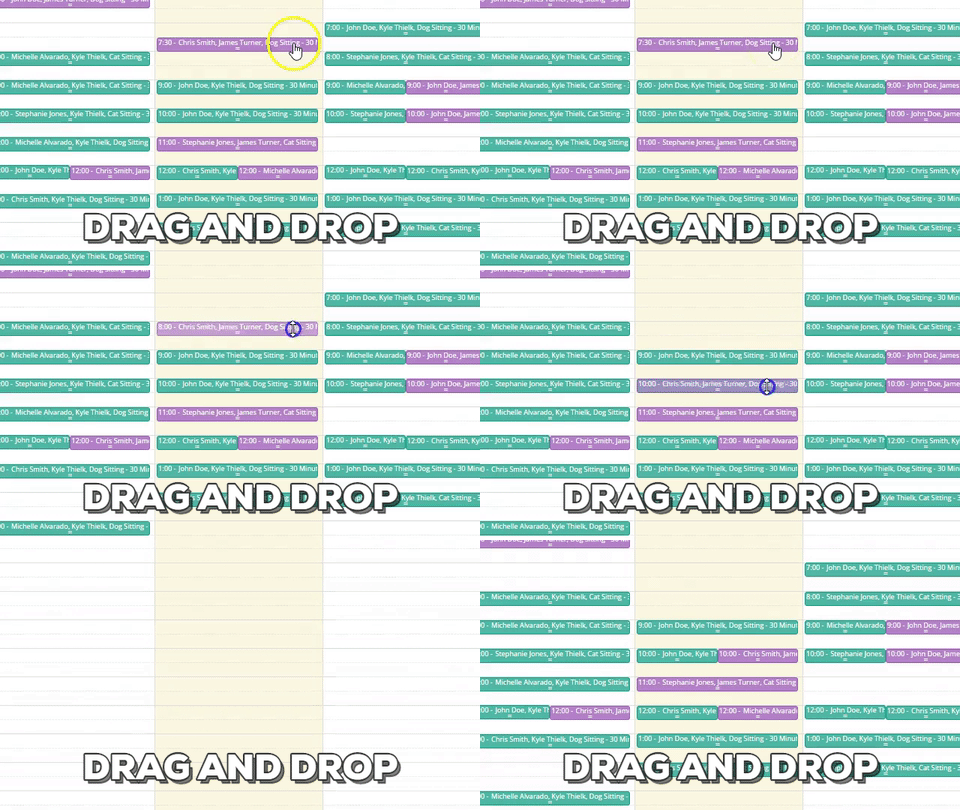
Using drag and drop is one the quickest, easiest ways to rearrange your schedule in Time To Pet. Instead of having to edit an event, change the time of the event, save the changes and make sure you moved it to the right time --- you can simply drag the event and drop it where it needs to be.
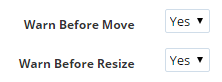
This is an awesome time saver but what happens when you move the wrong event by accident? We'll we have a solution for you! It is called "Warn Before Moving Events". This is a safety feature that can be found in Scheduler Settings. You can enable this feature to warn you before moving events and before resizing events.
After turning this feature on, Time To Pet will double check and make sure you are moving the event you meant to.
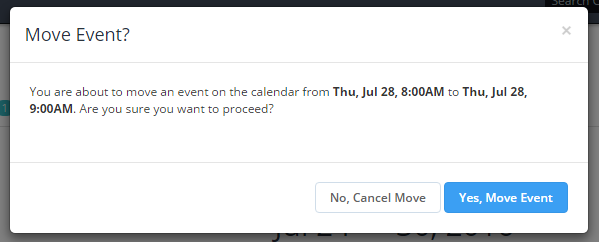
Warning Before Moving Events is one more way Time To Pet helps make you quick and accurate!