
April 23, 2018
Table of contents
We have a couple updates to announce related to key functionality in Time To Pet this week. First up is the ability to mark a client as “no key required”.
No Key Required
For some customers, they may have a keypad on their door or another way to access their house without using a key. For companies that manage a lot of keys, it can be hard to keep track of these “no key required” clients. Not anymore!
On the Keys tab of a client’s profile, you can now mark a client as “No Key Required”.
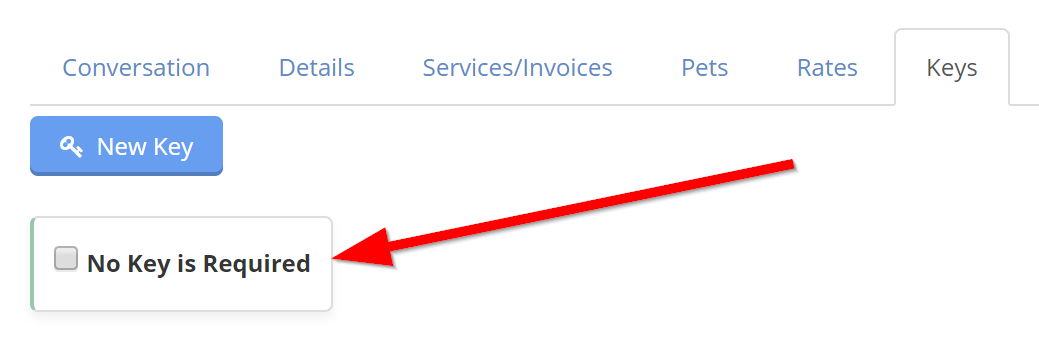
When a client is identified as not having a required key, Time To Pet will not include them in any key reporting (specifically on the Daily Summary).
Random Key Codes
When creating a new key for a client in Time To Pet, it can be hard to think of an appropriate code. In many cases, you may want to give your first client the key code of “001” and your second client the code “002” and so on. While they may be easy - it’s not always the most secure way to generate key codes.
Randomized codes is a much better way to ensure the safety of your keys. Time To Pet now provides a way for you to generate a random key code when creating a new key for a client.
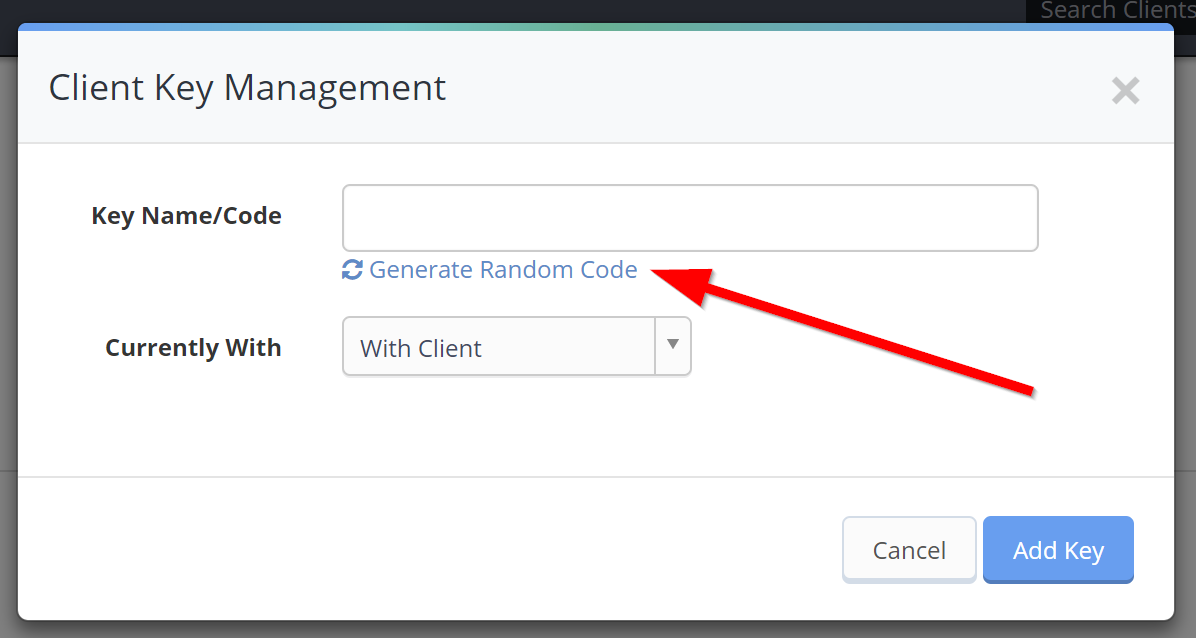
After clicking the Generate Random Code button, you can set the parameters for your random code which includes the code length and what type of characters will be included.
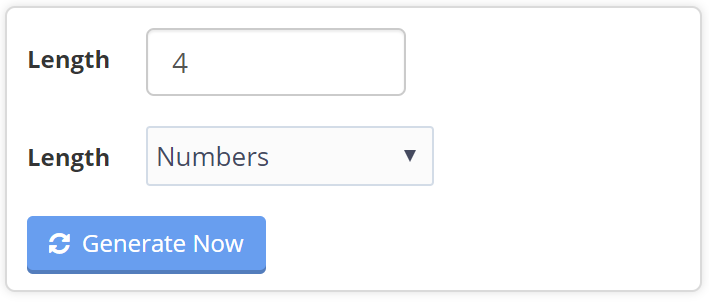
Time To Pet will check to make sure no other keys have the same code before generating the random key code for your new key!