
October 2, 2015
Table of contents
Tipping
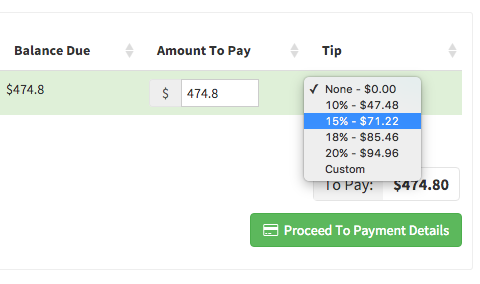
Time To Pet now has integrated support for tips making it easy for your clients to add a tip and your staff members to be paid their tips.
For more information please see Tipping In Time To Pet. The portal help article for Invoices has also been updated to reflect the addition of tipping support .
Portal Notifications
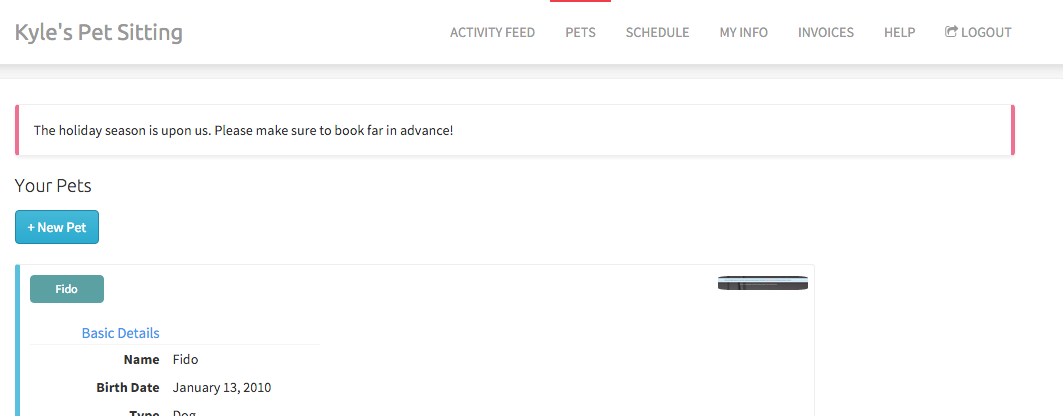
It is now possible to post a company wide announcement in your client’s portal using Portal Notifications. The notification will appear at the top of your client’s portal for as long as you configure the notification to be visible. To configure your Portal Notification visit your Company Configuration -> Portal tab.
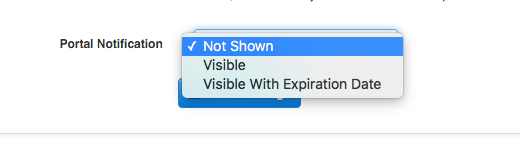
Portal notifications have three states:
Not Shown — Will not be displayed in the Portal.
Visible — Visible in the Portal forever.
Visible With Expiration Date — Visible until the specified expiration date is past (the message will be displayed on the expiration date, but not after).
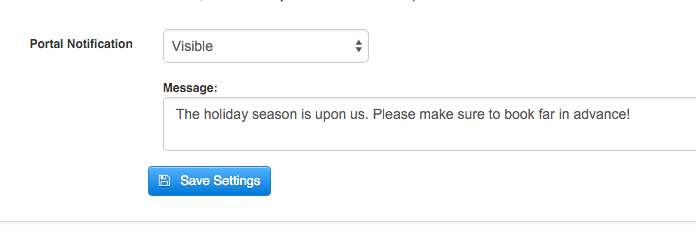
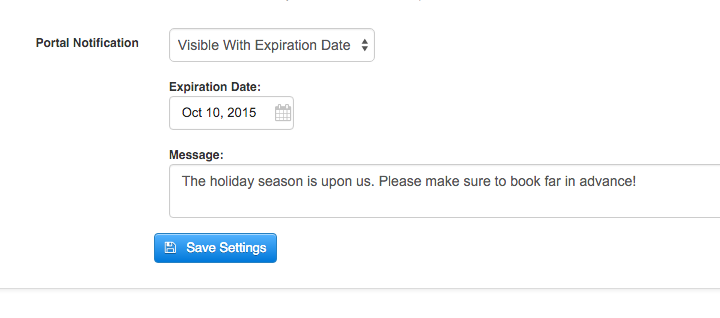
The notification will be displayed on every page of the portal.
More Streamlined Service Change Requests
When Time To Pet was still in Beta we allowed clients to make modifications to their schedule and cancel services at will. We thought that putting the client’s schedule in their own hands would ease the administrative burden for you and make for a better experience for the Client. The outcome however resulted in missed visits, confusion and even more of a burden on the person in charge of scheduling.
We removed this ability from the Portal entirely and have found that a more human touch with service changes requests and cancellations results in less confusion, less errors and less work for everyone. However, it was never really clear to the client that they needed to send a message to request changes. I’m happy to announce that as of today we have made this process more clear for your clients and added a level of transparency and accountability on the administrative side to ensure nothing is missed.
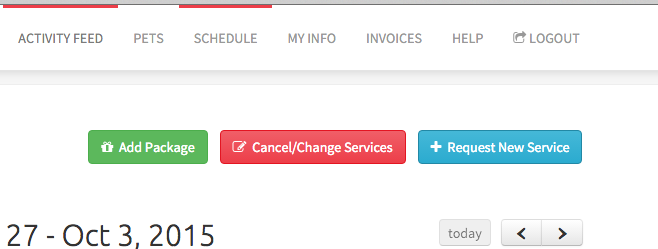
A new button has been added to the Client’s portal “Cancel/Change Services”:
When clicked they are presented with the ability to send a message detailing the changes they require:
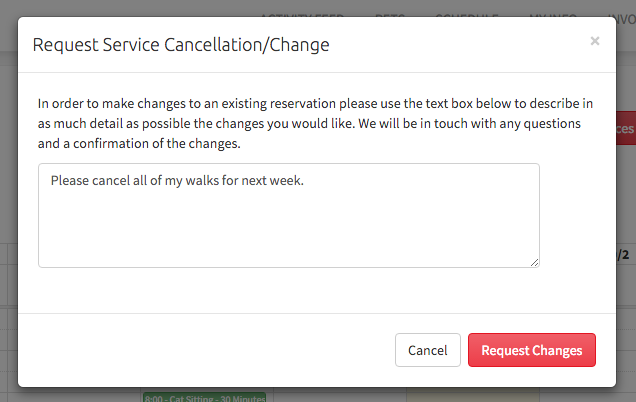
This message will be emailed to you, will appear in the client’s conversation feed and will also trigger a new approval in the Approvals page.
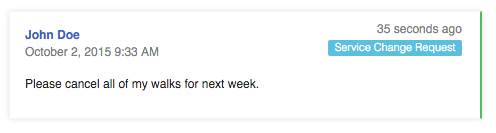
In the Client’s conversation feed the message will be tagged with a label “Service Change Request: Unprocessed”. Click on this label or visit the Approvals page to see all pending change requests.
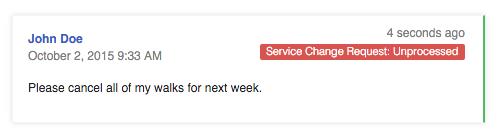
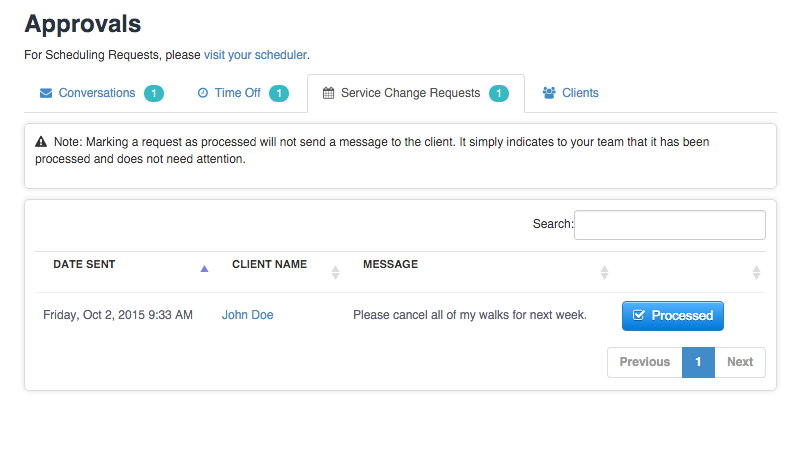
When you have made any requested changes and confirmed them with the client click “Processed” to mark the request as processed to indicate that the request has been dealt with.
The client’s message will now be labelled as processed as well.
As always please don’t hesitate to get in touch with us if you have any questions about these new features.