
February 21, 2018
Table of contents
We are starting our week off with a couple feature enhancements in Time To Pet. First up is a new filter tool in the Client Conversation feed.
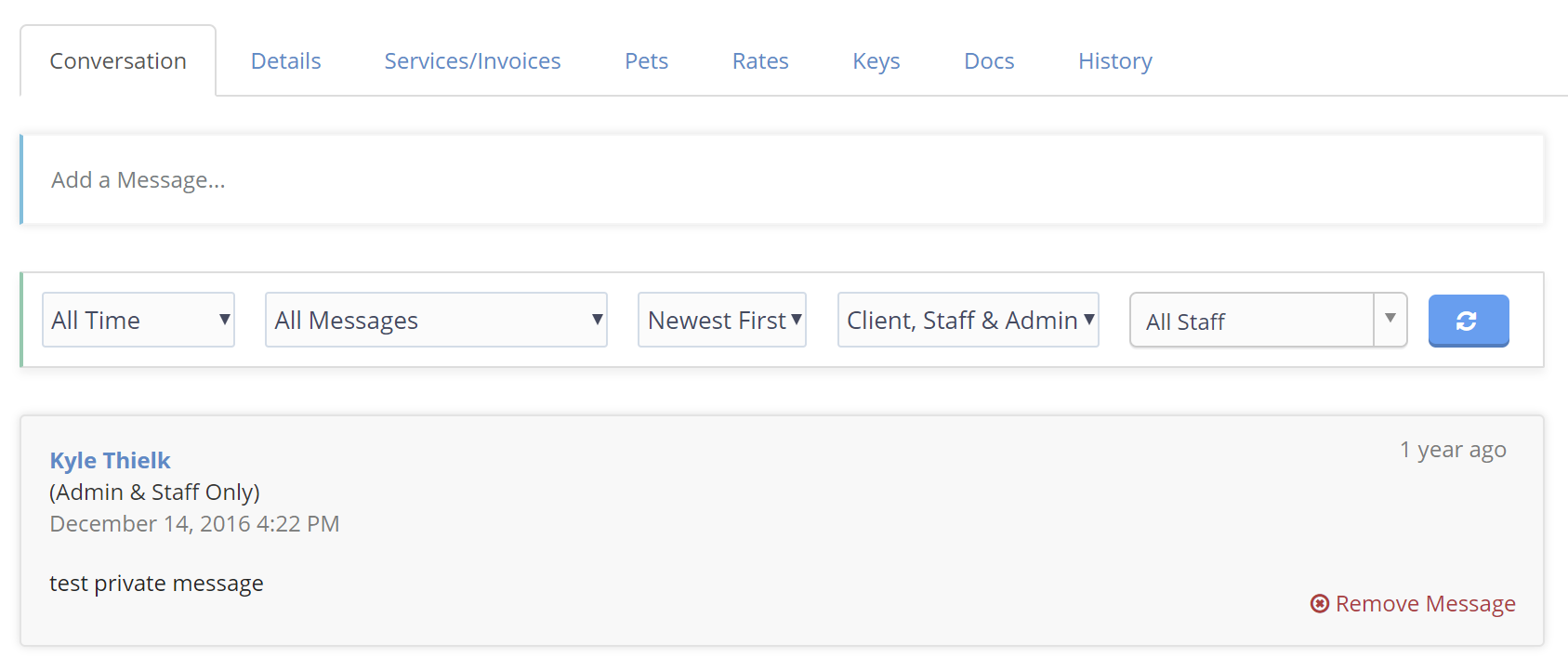
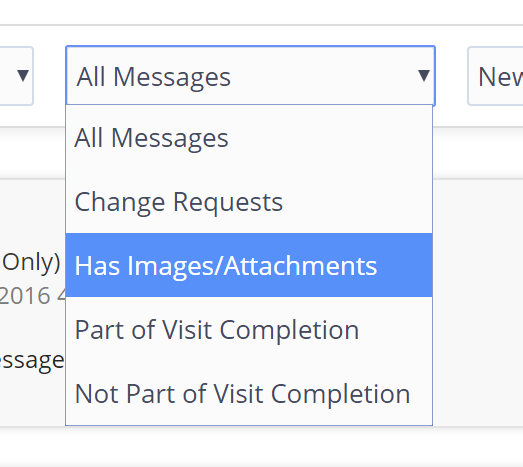
All Client Messages can now be filtered by date range, message type, order, visibility and by which staff member sent the message. Different message types include cancellation requests, messages that have an image/attachment and message that are (or are not) associated with a post visit report.
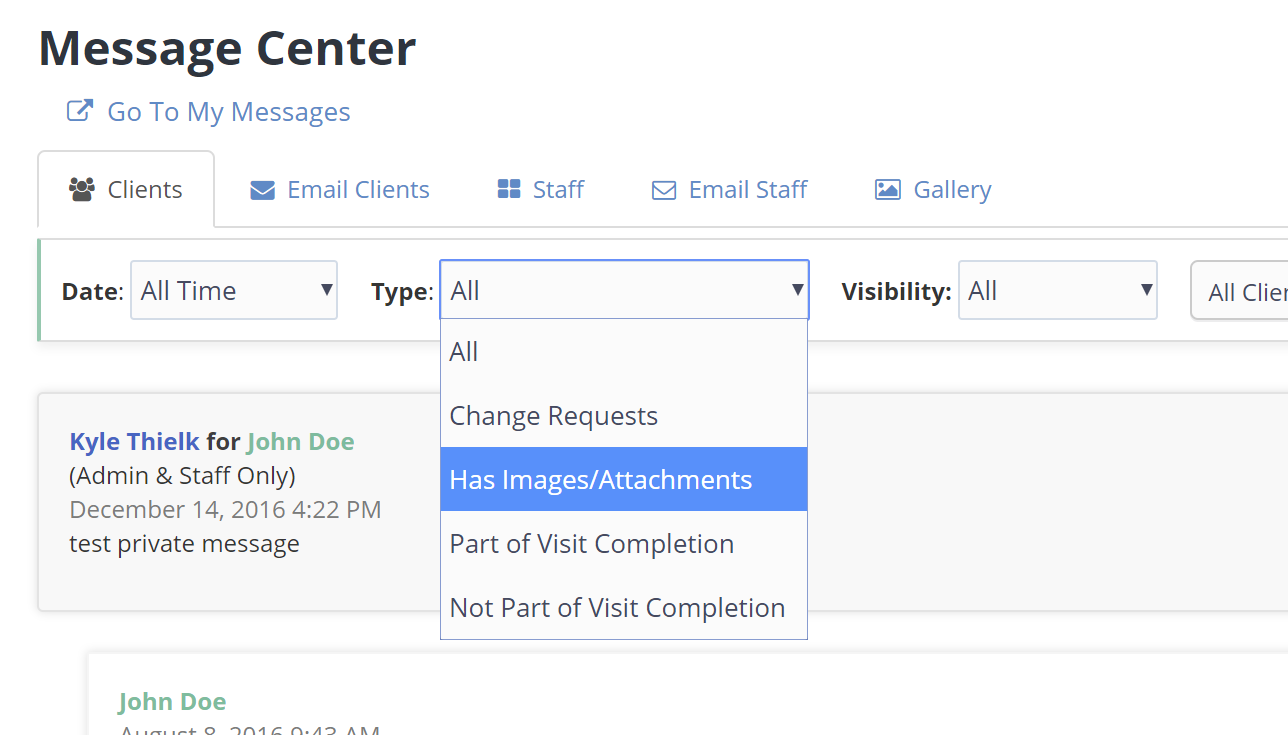
Building on this functionality, we’ve also included the different Message Type filters in the Message Center.
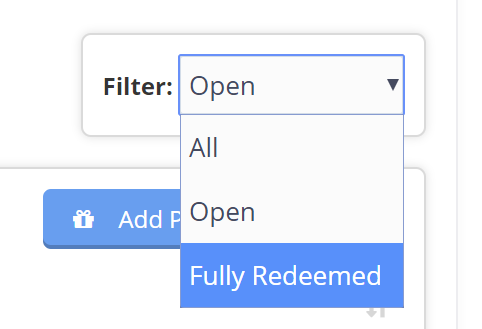
We’ve also added a new filter tool on Packages. This tool can be found in the Services/Invoices tab of a client profile. Packages can now be filtered by All Packages, Open Packages (packages with visits remaining) and Fully Redeemed Packages
Lastly - we’ve made one small change and added the “Invoice Date” column to the Main Invoice List. This makes it easier to review invoices by their Invoice Date or their Invoice Due Date.
As always - let us know if you have any questions!