
May 29, 2018
Table of contents
As we wrap up the month, we wanted to announce a few updates to Time To Pet. First up is some new filters in the Clients section of Reporting.
Here at Time To Pet, we take a lot of pride in our robust reporting. Having a really solid understanding of your numbers and your clients helps you make important (and quick) decisions to manage and grow your business. Today, we are announcing a handful of new filters that will help you identify clients easier.
First up is the “Client with Unpaid Invoices” filter. This helps you very quickly identify which clients have an invoice on file that has not been paid.

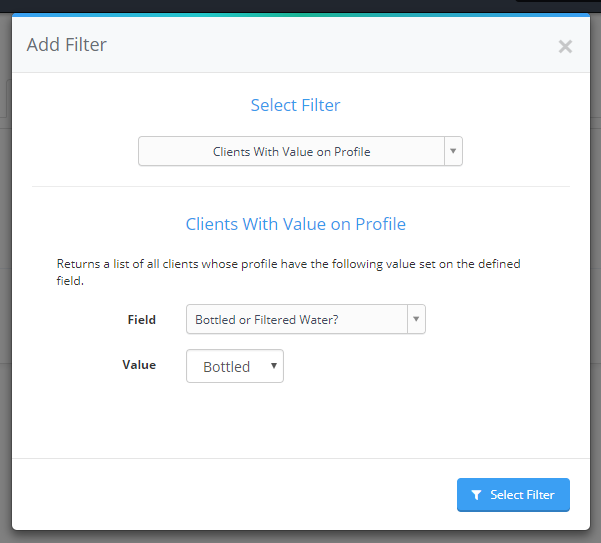
Next up is the “Clients With Value on Profile” filter. This helps you generate a report of clients that have a specific value in a field. For example - if you have a custom field called “Neighborhood” and you want to see all clients who live in “Downtown” - this filter is perfect!
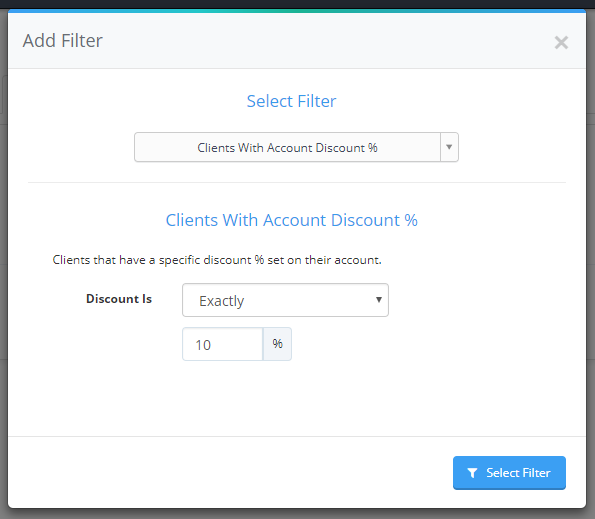
We now also support a filter to show you which clients have an account discount. This helps you see which customers have been given a 10% military discount (or something similar).
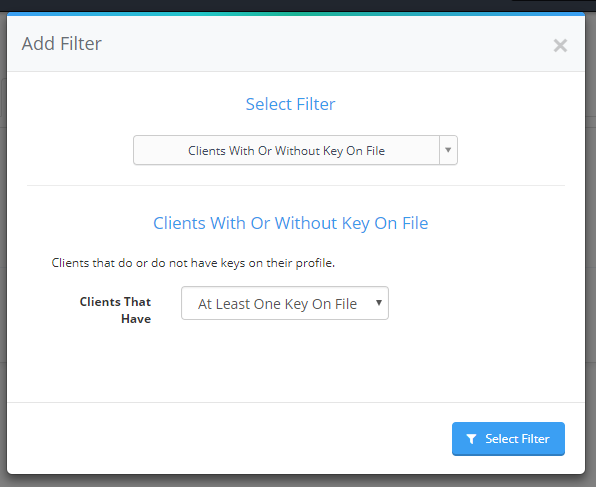
And lastly - there is a new filter to show you which clients do (or do not) have a key on file.
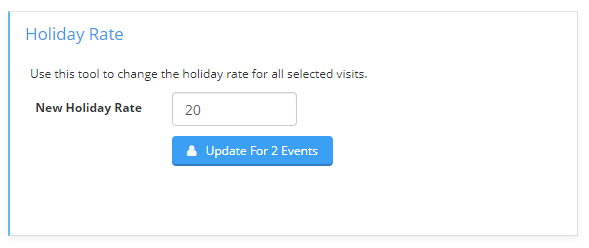
We’ve also some increased functionality to the Bulk Update tool. You can now update the holiday rate on multiple events at once! For example - if you charge a $20 holiday fee for overnight services (as compared to $10 for most visits) and you need to update multiple events with that special rate at once - you can now use the Bulk Update tool!
And our last release highlights an update to the Daily Summary. Historically, the Daily Summary only listed clients that had a scheduled event for that day. Not anymore! Now you will see a full list of Staff that do not have a scheduled event at the bottom of the Daily Summary.
