Pet care invoicing makes getting paid easier.
Turn scheduled services into invoices automatically, send bills in bulk, and collect online payments through the App or Client Portal. Custom client rates and QuickBooks Online syncing help reduce manual calculations and duplicate data entry.
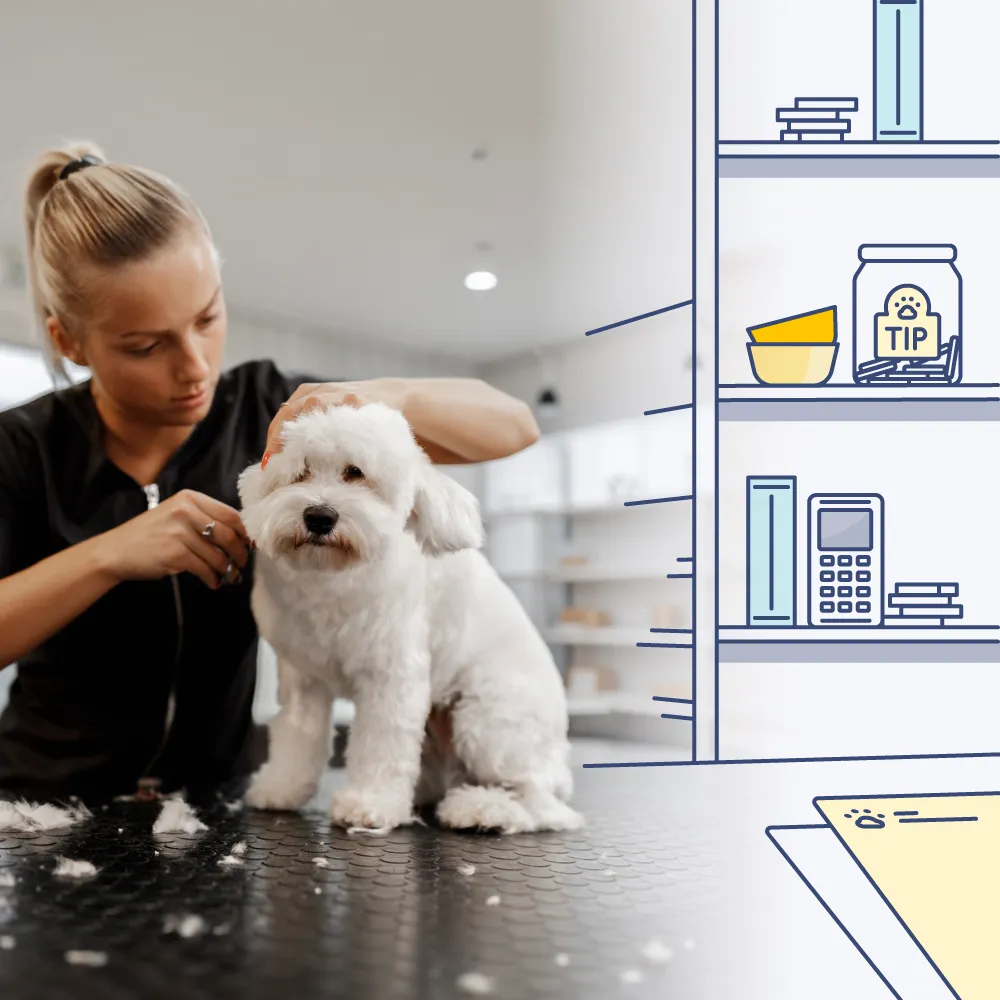
Create accurate invoices without the extra work
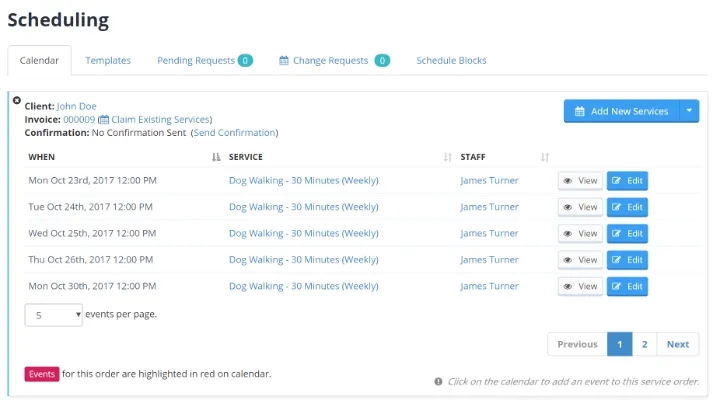
Time To Pet connects invoicing directly to your schedule, so invoices are automatically generated based on the services you've scheduled. Set custom rates for individual clients and let Time To Pet handle the calculations for you.
Make it easy to get paid
Give clients a convenient way to pay their invoices online or in person. Time To Pet supports multiple payment options, so you can make getting paid simple for your clients and your team.
Clients can pay invoices directly through the Client App or Client Portal using credit or debit cards, ACH, or e-checks.
Accept payments in person with Tap to Pay or a payment terminal, so you can get paid wherever you do business.
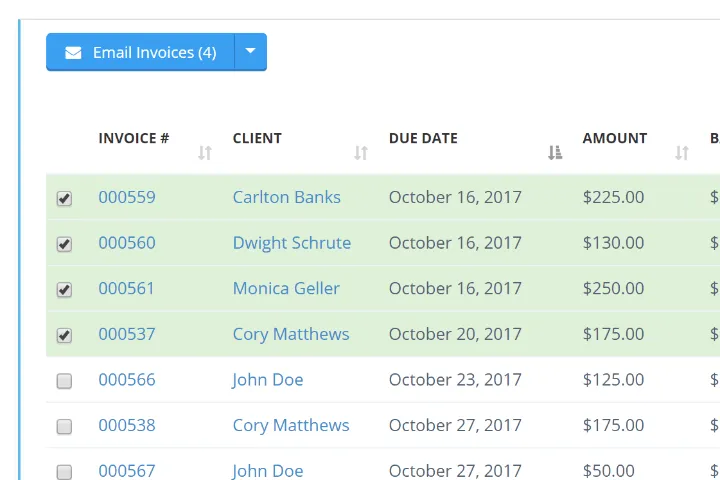
Take care of billing in fewer steps
Need to send invoices to multiple clients or charge cards on file? Bulk Invoicing lets you take care of repetitive billing tasks all at once instead of handling them individually.
QuickBooks Integration
Keep your accounting up to date
Sync your invoices, payments, and client information with QuickBooks Online, so you can spend less time entering information manually and keep your accounting records organized.
Automatically sync invoices and payments with QuickBooks Online, so you don't have to re-enter them manually.
Sync client information with QuickBooks Online to keep your records up to date and reduce manual data entry.

“I used to spend hours and hours on the weekends scheduling, invoicing, and tracking expenses. After the initial setup, I now spend under an hour doing my schedule for the whole week. That’s including invoicing all of my clients!”

Start your 14-day free trial
Join 5,000+ pet care businesses that use Time To Pet to save time, delight clients, and grow their revenue.